
Spend Less Time Debugging With Microsoft Visual Studio 2026 for $30
Disclosure: Our goal is to feature products and services that we think you’ll find interesting and useful. If you purchase them, Entrepreneur may get a small share of the revenue from the sale from our commerce partners.
TL;DR: Microsoft Visual Studio Professional 2026 is on sale for $29.97 (reg. $499.99), offering developers a one-time license for building and managing software projects.
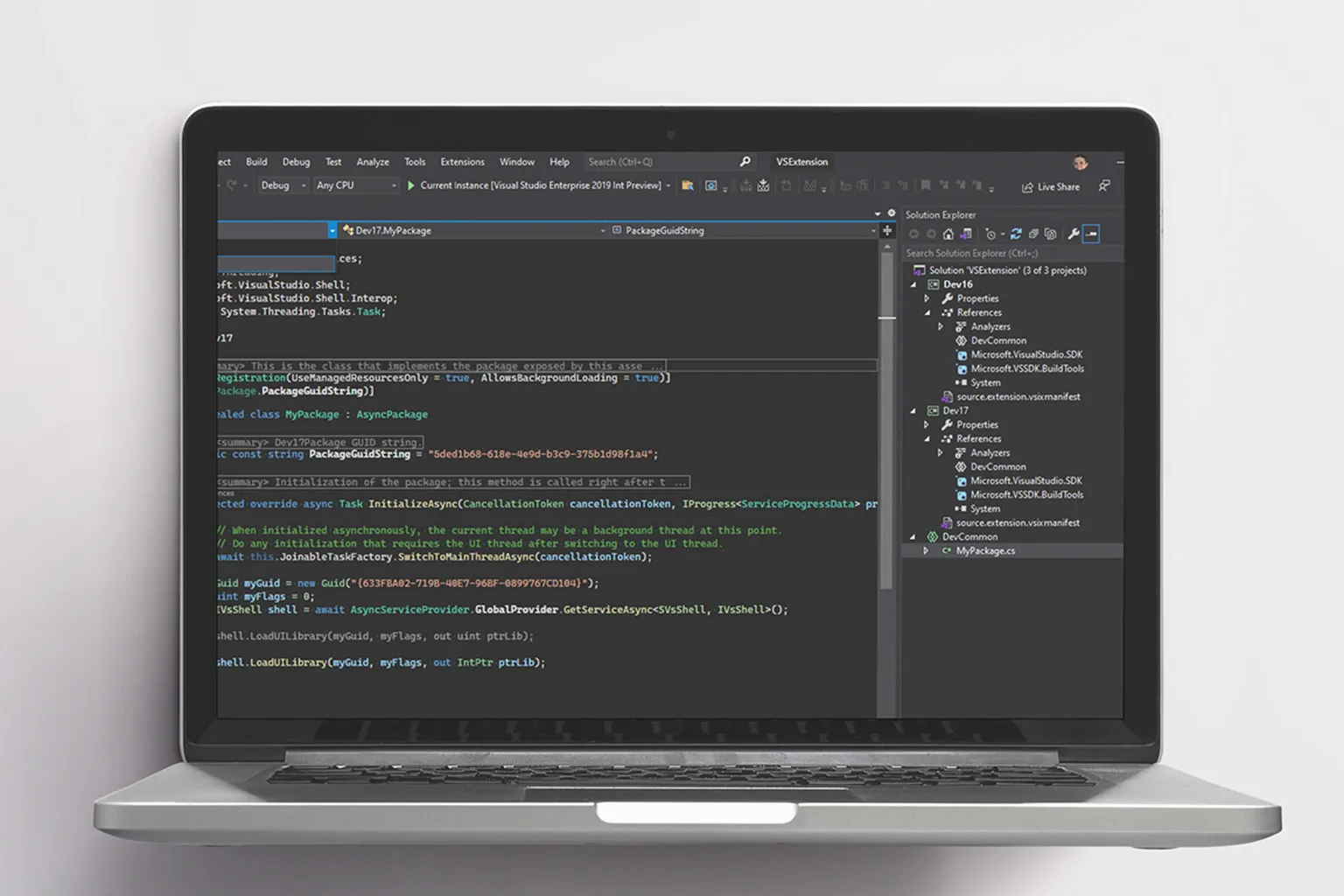
For freelance developers and small software teams, time spent debugging is time that could otherwise go toward building new features or finishing client projects. After all, there’s nothing quite like spending three hours fixing a problem caused by one line of code. Microsoft Visual Studio Professional 2026 aims to make that process less frustrating with AI-assisted debugging, code suggestions, and tools that help identify potential performance issues. For a limited time, a lifetime license is on sale for $29.97 (reg. $499.99).
One of the biggest changes in Visual Studio 2026 is how AI fits into the development process. Instead of writing every line from scratch, developers can use IntelliCode to get suggestions based on variables, functions, and patterns already in their codebase. AI-assisted debugging and refactoring tools can also help track down problems and clean up existing code, which is especially useful when you’re working on a project that’s been through more revisions than you’d care to count.
Spend less time debugging and more time building
The program is also designed to handle large, complex codebases more responsively, thanks in part to its 64-bit architecture. CodeLens also puts information like recent changes, references, test status, and commit history directly in the editor, so you don’t have to keep jumping between windows to figure out what’s going on.
For businesses with multiple developers, Live Share lets teammates code and debug together in real time without having to clone entire repositories or set up every dependency on their own machines. Integration with GitHub and Azure also helps connect development work with existing workflows.
There’s plenty of flexibility in what you can build as well. The IDE supports .NET MAUI for cross-platform applications, Blazor for web interfaces, and .NET and C++ development targeting Windows, Linux, and containers.
If you happen to already have Visual Studio 2022, you don’t necessarily have to ditch your current setup to try the newer version. Visual Studio 2026 supports side-by-side installation, so you can assess its features while keeping your existing environment available.
Get a Microsoft Visual Studio Professional 2026 lifetime license for $29.97 (reg. $499.99).
StackSocial prices subject to change.
TL;DR: Microsoft Visual Studio Professional 2026 is on sale for $29.97 (reg. $499.99), offering developers a one-time license for building and managing software projects.
For freelance developers and small software teams, time spent debugging is time that could otherwise go toward building new features or finishing client projects. After all, there’s nothing quite like spending three hours fixing a problem caused by one line of code. Microsoft Visual Studio Professional 2026 aims to make that process less frustrating with AI-assisted debugging, code suggestions, and tools that help identify potential performance issues. For a limited time, a lifetime license is on sale for $29.97 (reg. $499.99).
One of the biggest changes in Visual Studio 2026 is how AI fits into the development process. Instead of writing every line from scratch, developers can use IntelliCode to get suggestions based on variables, functions, and patterns already in their codebase. AI-assisted debugging and refactoring tools can also help track down problems and clean up existing code, which is especially useful when you’re working on a project that’s been through more revisions than you’d care to count.
Source link
